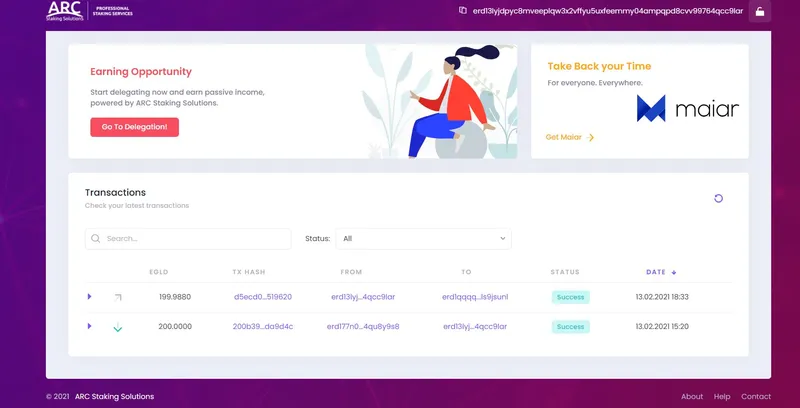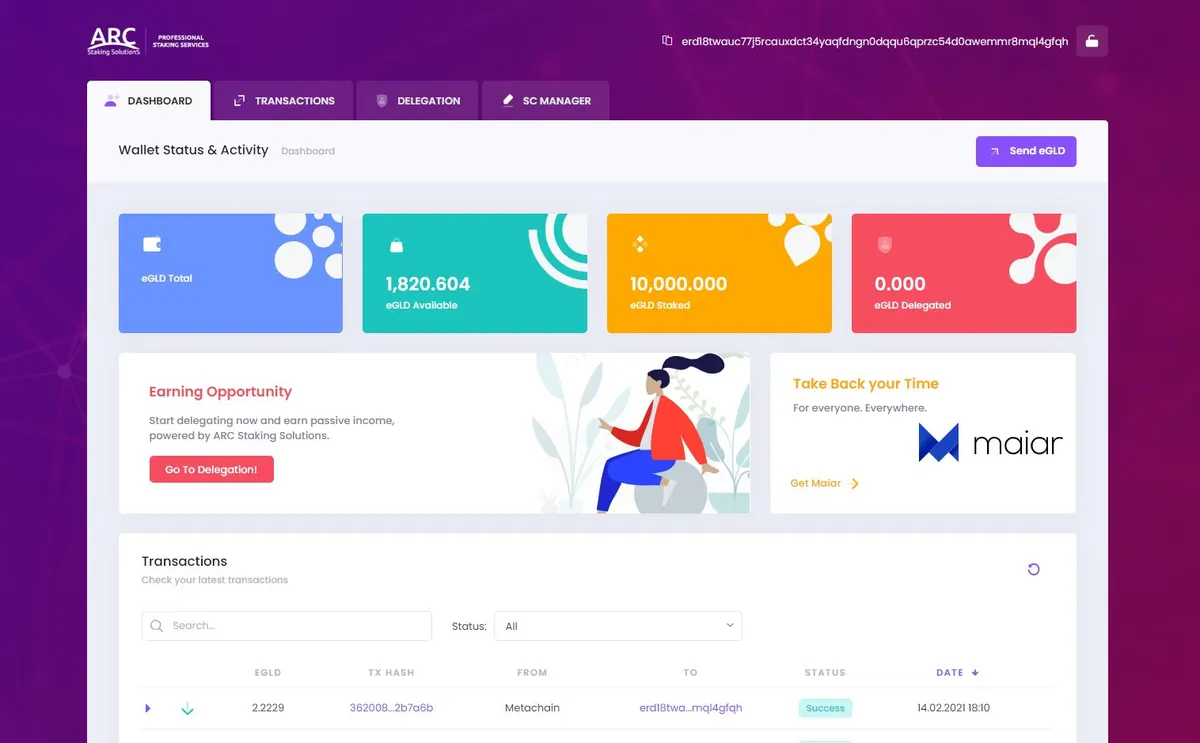
1. Use the following URL in order to delegate by using the ARC Stake Wallet:
https://wallet.arcstake.com
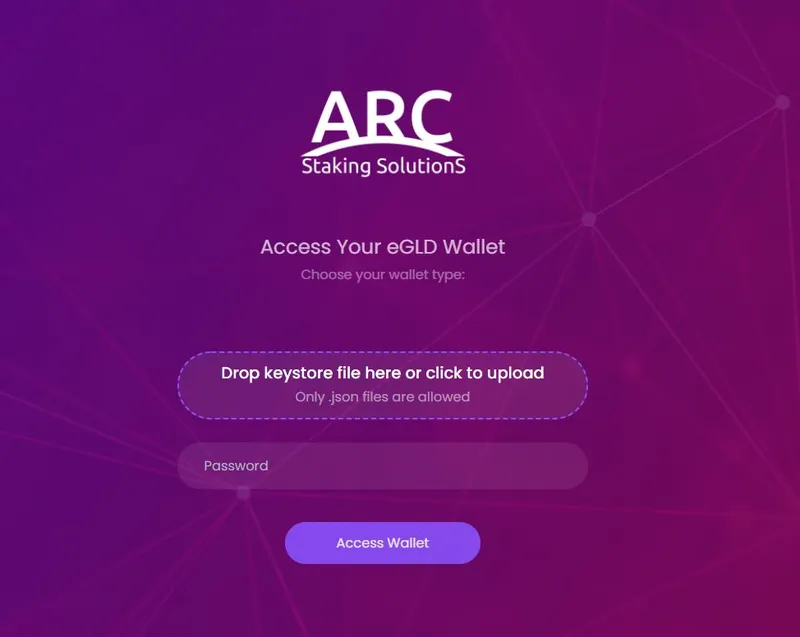
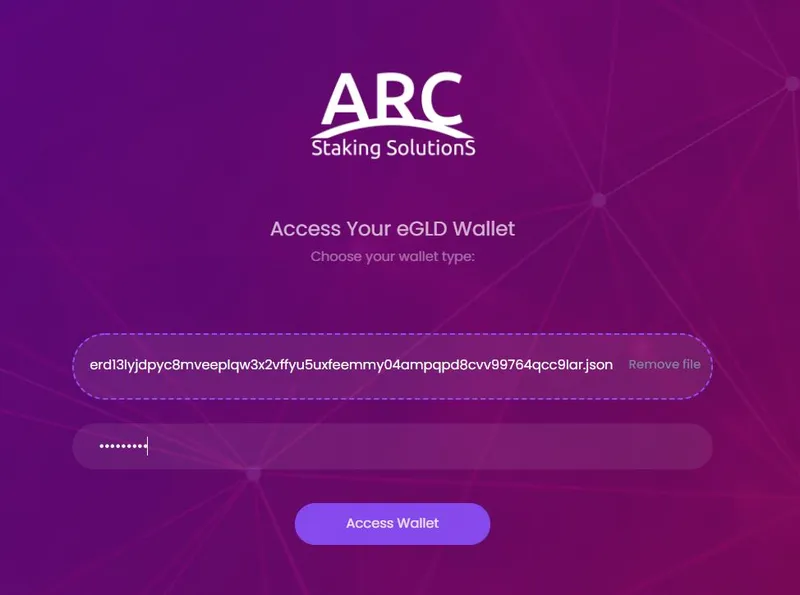
2. Attach your Keystore File from your Testnet Wallet, fill in your strong password, then click on the”Access Wallet” button:
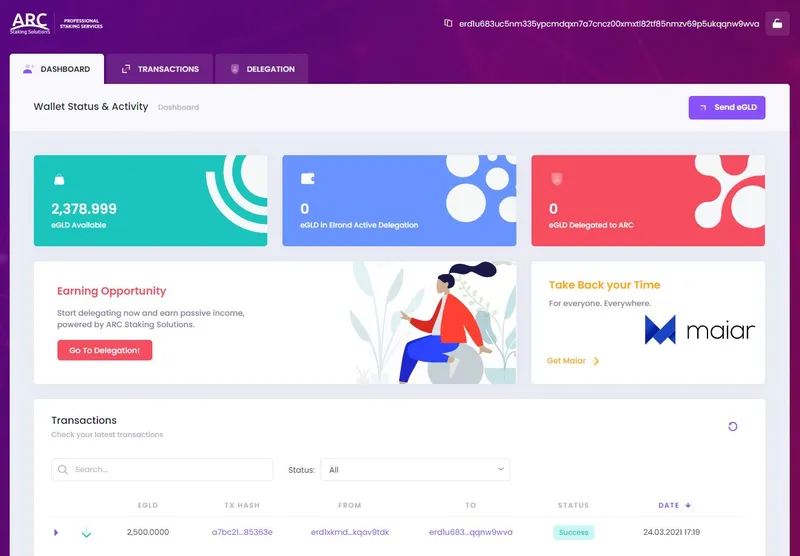
3. Now you are able to visualize the dashboard of the ARCStake Wallet and also your Testnet Wallet address. Click on the”Go To Delegation!” button or on the “DELEGATION” menu bar:
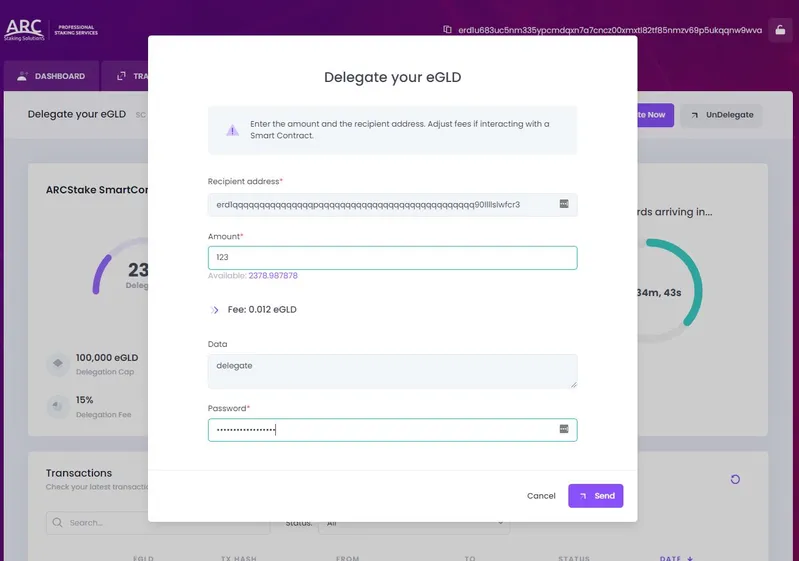
4. Access the “Delegate Now” button, fill in the form with the exact amount of eGLD you intend to delegate, confirm the transaction by using your strong password, then click on the “Send” button:
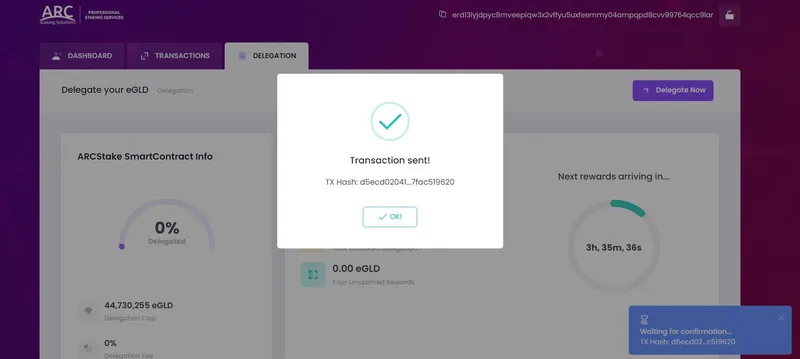
5. Read the message box which appears and verify if your transaction has been sent:
6. You are able to check any time you need your latest transactions below the Delegation Dashboard or on the “TRANSACTIONS” Page