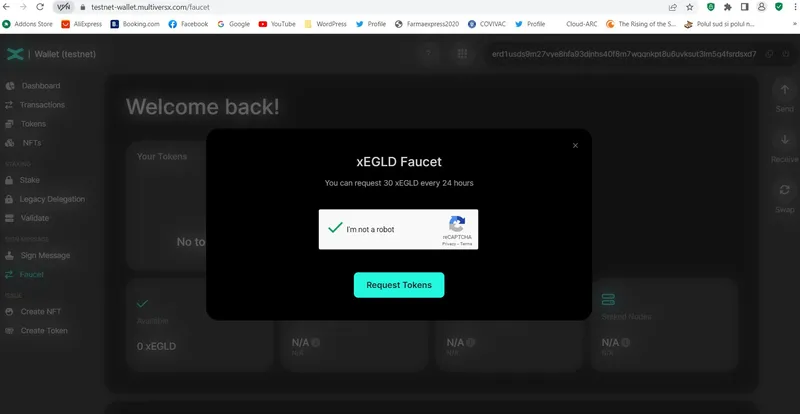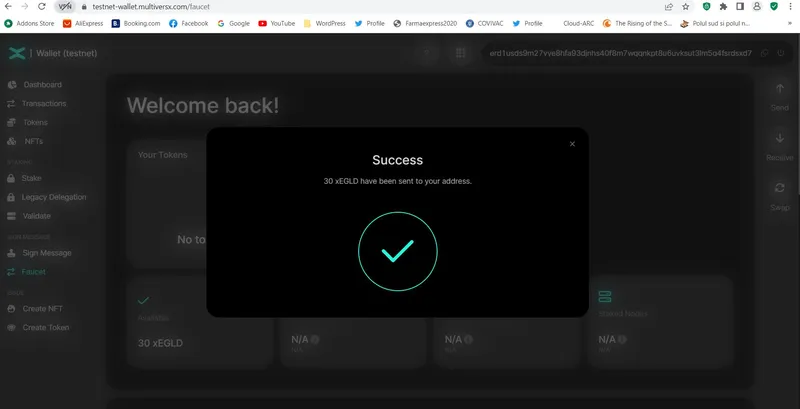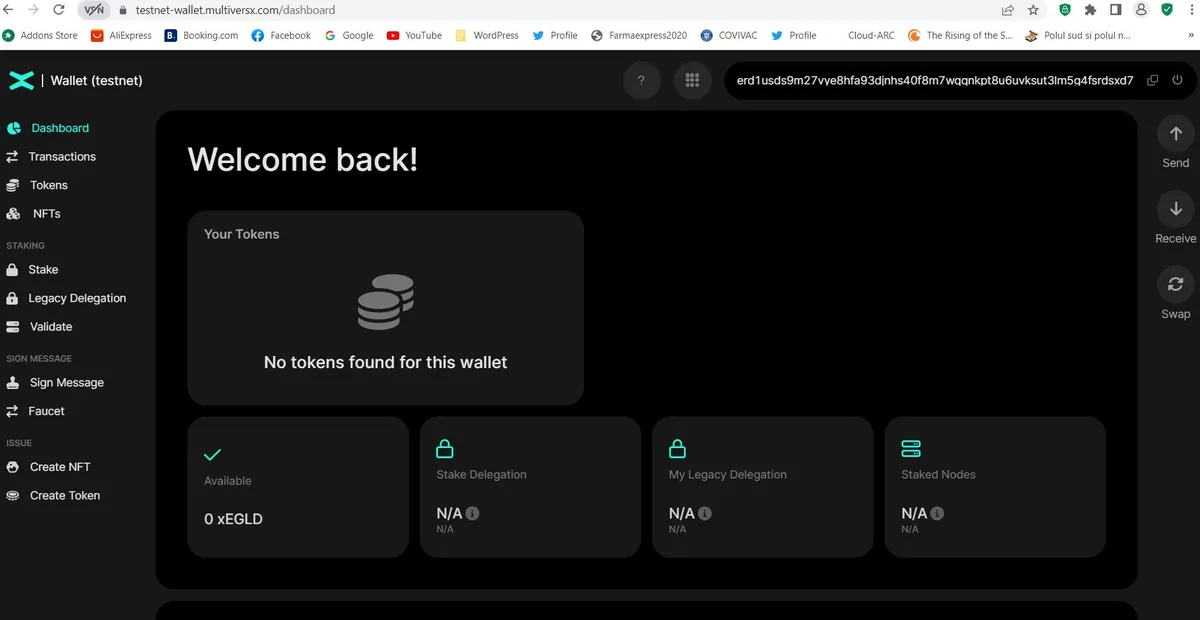
1. Access the following link with confidence: https://testnet-wallet.multiversx.com
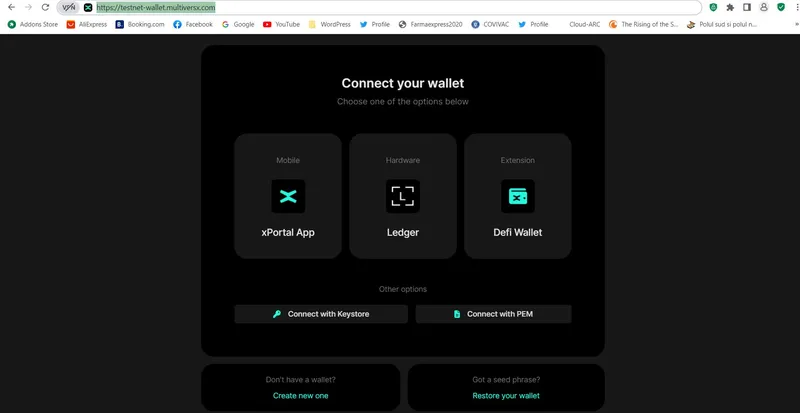
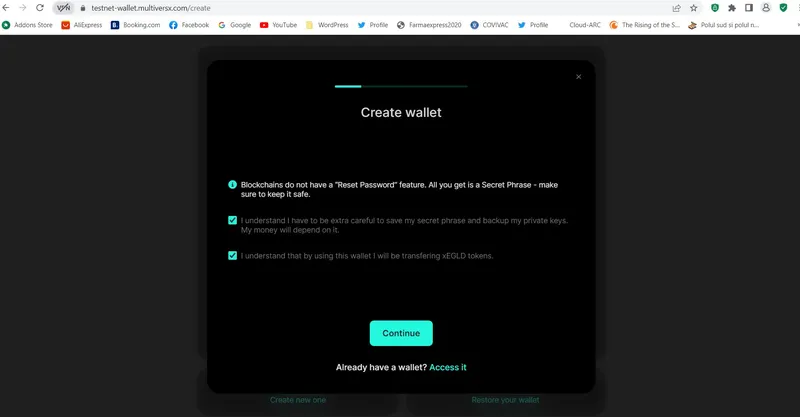
2. Click on “Create new one” and read the two statements carefully, because all your funds will depend on this.
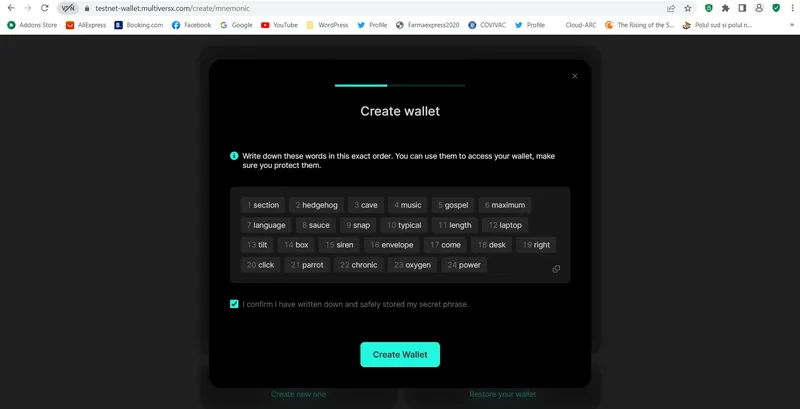
3. Write down the words given in the correct order or copy them in a safe document and confirm that you safely stored your secret phrase:
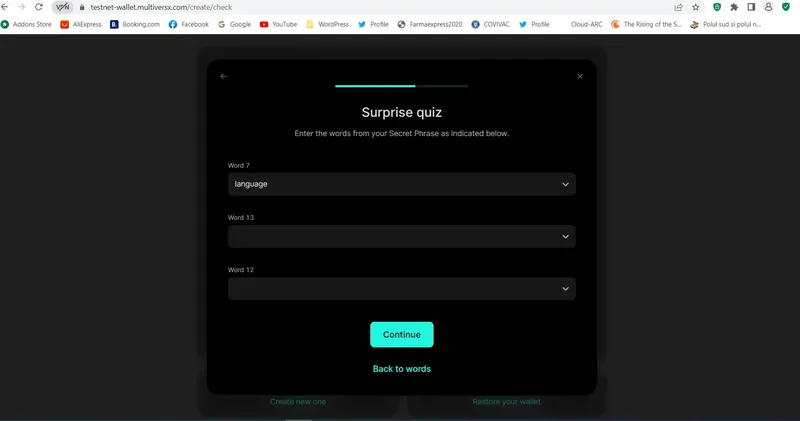
4. After clicking “Create Wallet”, complete the surprise quiz with the appropriate words:
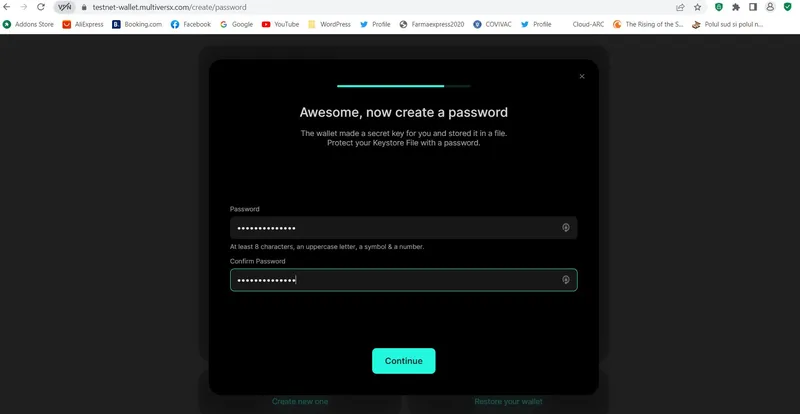
5. Create and confirm a strong password, in order to protect your Keystore file that the wallet issued for you:
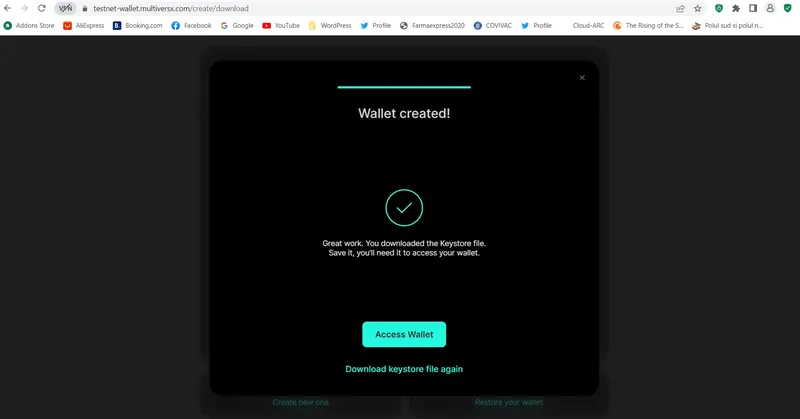
6. Wallet created! If you need to, you can download your Keystore file again at this stage, save it on your computer and eventually make a copy in a safe place:
7. It’s so easy to access your wallet! Attach your Keystore file, fill in your password and you’re done:
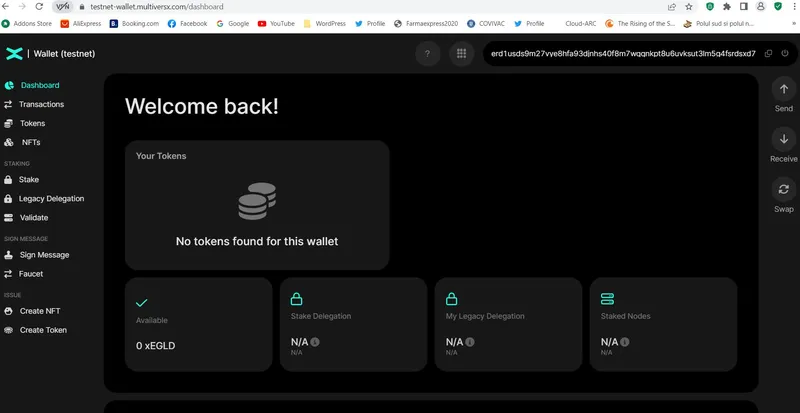
8. Go to the “Faucet” option on the left and request xEGLD. Happy testing!